Day 5: Silly Tavern with local models

After Day 4, try local models—AI that runs on your Mac without sending chat to a cloud API. Once weights are downloaded, extra inference is free (aside from power) and private.
This article covers what local models are, Ollama setup, which models to try, and tradeoffs vs cloud—with 2026-oriented picks. On day 5, master local inference and use Silly Tavern offline-capable.
What is a local model? | AI on your machine
A local model runs entirely on your computer—cloud is “library checkout”; local is “your bookshelf.”
How it works
You download weights (often multi-GB) and run inference with RAM/GPU (or CPU). Performance scales with hardware.
Cloud vs local
| Topic | Local | Cloud |
|---|---|---|
| Internet | Not required after download | Required |
| Cost | Free inference (you own hardware) | Often paid or capped |
| Privacy | Data stays on device | Sent to provider |
| Quality | Depends on model + hardware | Often flagship-class |
| Setup | More moving parts | Usually simpler |
| Hardware | Higher bar | Lower bar |
💡 Tip: Many people start cloud (Day 4), then add local when ready.
Pros and cons
Pros
- No per-token API bill after download
- Privacy—no provider sees prompts
- Offline use after model pull
- No cloud rate limits
- Tunable stacks for enthusiasts
Cons
- RAM/GPU demands
- Setup can confuse newcomers
- Speed suffers on weak machines
- Large disk use
- Quality may trail top cloud models
Ollama | Simple local runner
Ollama downloads and serves models with minimal ceremony—like an app store for local LLMs.
Highlights
- Quick install (e.g. Homebrew on Mac)
- One-command pulls and runs
- Apple Silicon friendly
- Memory-aware defaults
- Silly Tavern connects via standard endpoints
Install Ollama on macOS
If you installed Homebrew on Day 2:
brew install ollama
ollama --version
Start the service
ollama serveAPI typically listens on http://localhost:11434.

💡 Tip: Keep that terminal session running, or run Ollama as a background service per Ollama docs.
Choosing a model (2026-oriented table)
| Model | Size (approx) | RAM hint | Notes |
|---|---|---|---|
| Qwen3.5 7B | ~4.7 GB | 8 GB | Strong multilingual / Japanese; common beginner pick |
| Mistral Small 3.1 | ~4.5 GB | 8 GB | General, fast daily chat |
| DeepSeek-R1 7B | ~5.2 GB | 10 GB | Reasoning-heavy tasks |
| Nemotron Mini 4B | ~2.7 GB | 6 GB | Lighter footprint |
| Phi-4 Mini 3.8B | ~2.5 GB | 6 GB | Efficient small model |
Names and tags on the Ollama library change—verify current tags at ollama.com/library.
Pull example
ollama pull qwen3.5:7b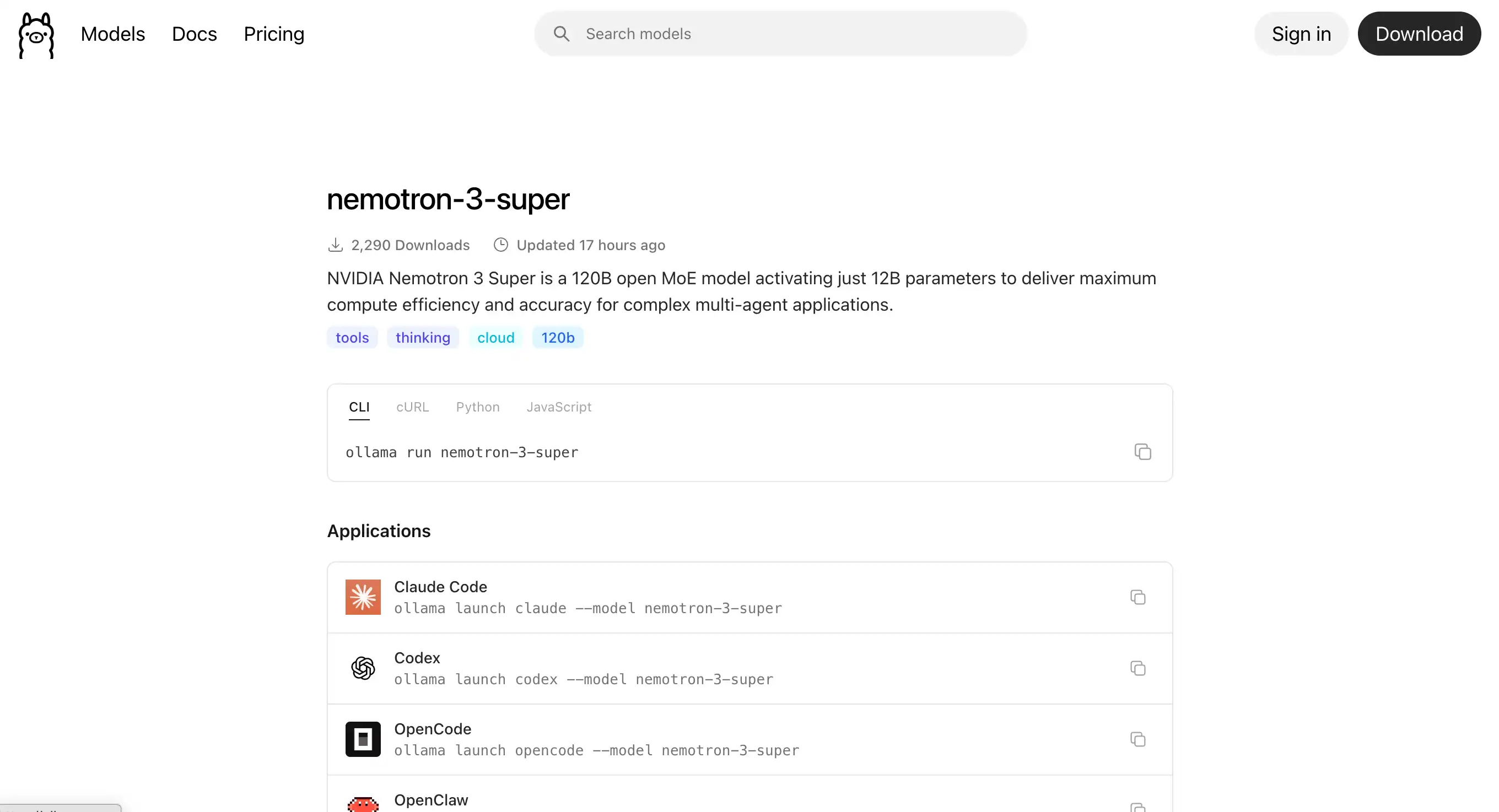
Connect Silly Tavern to Ollama
- Silly Tavern →
http://localhost:8000 - API Connections → Chat Completion
- Select Ollama
- URL:
http://localhost:11434(default) - Model: the tag you pulled (e.g.
qwen3.5:7b) - Connect
First reply can be slow while weights load into RAM.
💡 Tip: If replies lag, close other heavy apps or pick a smaller quantized tag.
Performance tips
Low RAM
- Smaller models (4B class)
- Quantized variants when offered (
-q4_K_M, etc.) - Close background apps
Apple Silicon
Metal acceleration is usually on by default; optional env tweaks exist for power users:
export OLLAMA_GPU_LAYERS=999Quantization
Quantization shrinks weights (e.g. 4-bit, 8-bit) to save RAM at some quality cost. Ollama tags often encode the variant.
Other local stacks
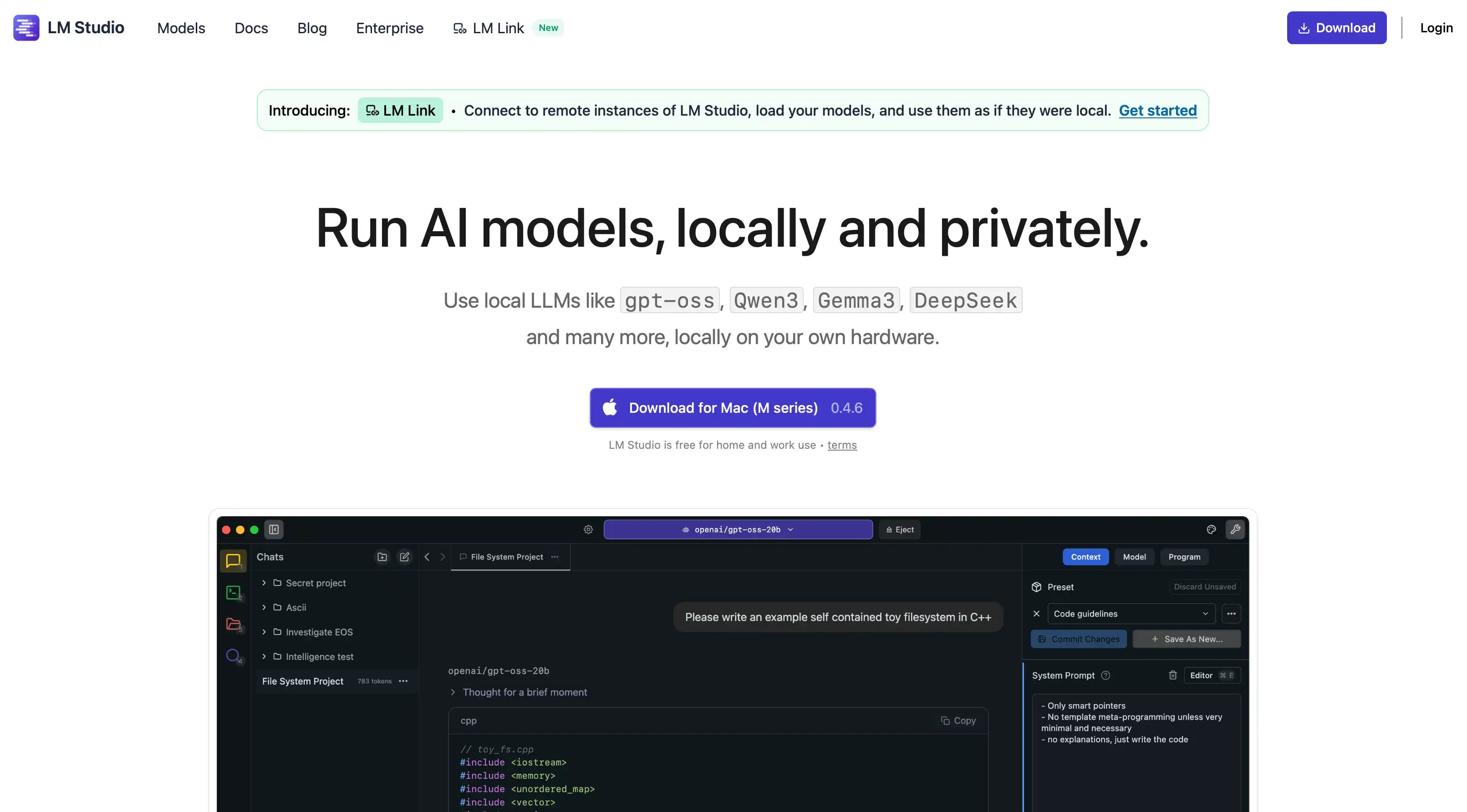
LM Studio
GUI-first runner; OpenAI-compatible local API for Silly Tavern.
KoboldAI
Story-focused local stack.
Oobabooga Text Generation WebUI
Highly configurable; OpenAI-compatible modes available.
Cloud vs local—who should pick what?
Prefer cloud if
- You want top flagship quality
- Low-spec machine
- You want minimum setup
- Small monthly API budget is OK
Prefer local if
- Privacy is critical
- You want $0 marginal cost per token
- You need offline
- You have 16 GB+ RAM (ideal) or can use small quants
Hybrid
Many users mix: sensitive chats local, hard tasks cloud.
Troubleshooting
Out of memory
Smaller model, quantization, fewer parallel apps.
Very slow replies
Smaller model, ensure GPU path on Apple Silicon, reduce background load.
Cannot connect
Confirm ollama serve is running and port 11434 is free.
Model missing
ollama list → ollama pull <name> again.
Next steps | Advanced customization
Continue with:
Easier path: MiniTavern uses cloud backends without local stack setup.
Summary
You learned local models with Silly Tavern—Ollama install, model choice, ST connection, performance notes, and alternatives. Local runs unlock privacy and no API bill for inference once models are on disk.
Reference links
About the author

FAQ
Q1: Is local inference completely free?
No cloud API fee for tokens—you still paid for hardware and electricity. Model downloads are free from public Ollama hubs.
Q2: How much RAM?
8 GB minimum for many 7B quants; 16 GB+ more comfortable. Tiny models can run on ~4–6 GB at a quality tradeoff.
Q3: M1/M2/M3?
Yes—Ollama is optimized for Apple Silicon.
Q4: Weaker than cloud?
Often yes at equal parameter counts, but good for daily RP and privacy-first use.
Q5: Fully offline?
Yes after ollama pull completes—no internet needed for inference.
Q6: Best starter model?
Many English/Japanese users start with a Qwen or Mistral family 7B-class tag; check Ollama’s library for current names.
Q7: GPU required?
No, but GPU/Neural Engine (Apple) greatly speeds things up vs CPU-only.
Q8: Multiple models at once?
Usually one loaded model per modest machine; switch tags as needed.
Q9: Japanese support?
Qwen and several Mistral-family builds handle Japanese well—verify per model card on Ollama.
Q10: Windows?
Yes—Ollama supports Windows, macOS, and Linux.
Published: March 15, 2026
Last updated: March 27, 2026