Day 6: Silly Tavern advanced customization

After Day 5, tune prompts and generation settings so replies match your taste—creative, factual, or balanced.
This article covers prompt types, parameters, UI tweaks, and extensions with 2026-oriented guidance. On day 6, make Silly Tavern feel truly yours.
Prompt engineering
Prompt engineering shapes how you instruct the model—like choosing tone and rules for a collaborator.
Prompt layers in Silly Tavern
- System prompt—global behavior rules
- Character prompt—from the card
- User messages—what you type
System prompt
Sets baseline behavior.
Where to edit
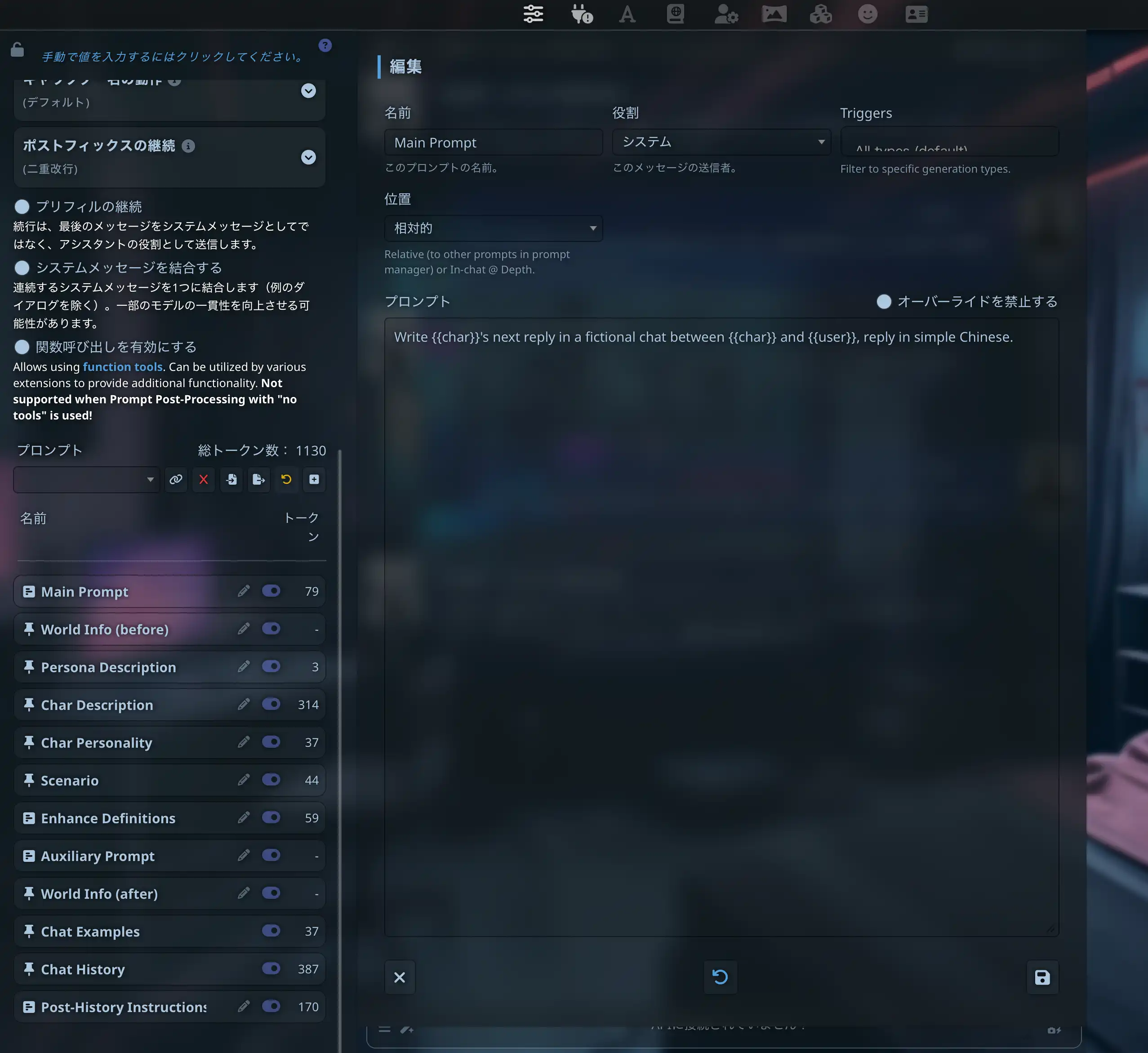
- Open Advanced Formatting (or equivalent in your build)
- Find System Prompt
- Enter instructions
Example
You are a helpful, knowledgeable assistant.
Answer user questions clearly and politely.
Respond in English unless the user writes in another language.
Tips
- Be specific; avoid vague “be good” lines
- Avoid contradictory rules
- Keep it concise—overlong system text can dilute focus
Generation parameters | “Personality” of outputs
| Parameter | Meaning | Typical range | Effect |
|---|---|---|---|
| Temperature | Randomness | 0.7–1.0 | Higher = more creative |
| Top-P | Nucleus sampling breadth | 0.9–1.0 | Higher = more diverse |
| Top-K | Candidate limit | 40–100 | Higher = less predictable |
| Repetition penalty | Anti-looping | 1.1–1.2 | Higher = fewer repeats |
| Max tokens | Reply length cap | 200–500+ | Raise for long replies |
Presets (starting points)
Creative chat
- Temperature 0.9–1.0
- Top-P 0.95
- Top-K 80
Factual / tight
- Temperature 0.3–0.5
- Top-P 0.8
- Top-K 40
Balanced
- Temperature ~0.7
- Top-P 0.9
- Top-K 60
Exact labels vary by API preset UI—map these ideas to your backend’s sliders.
UI customization
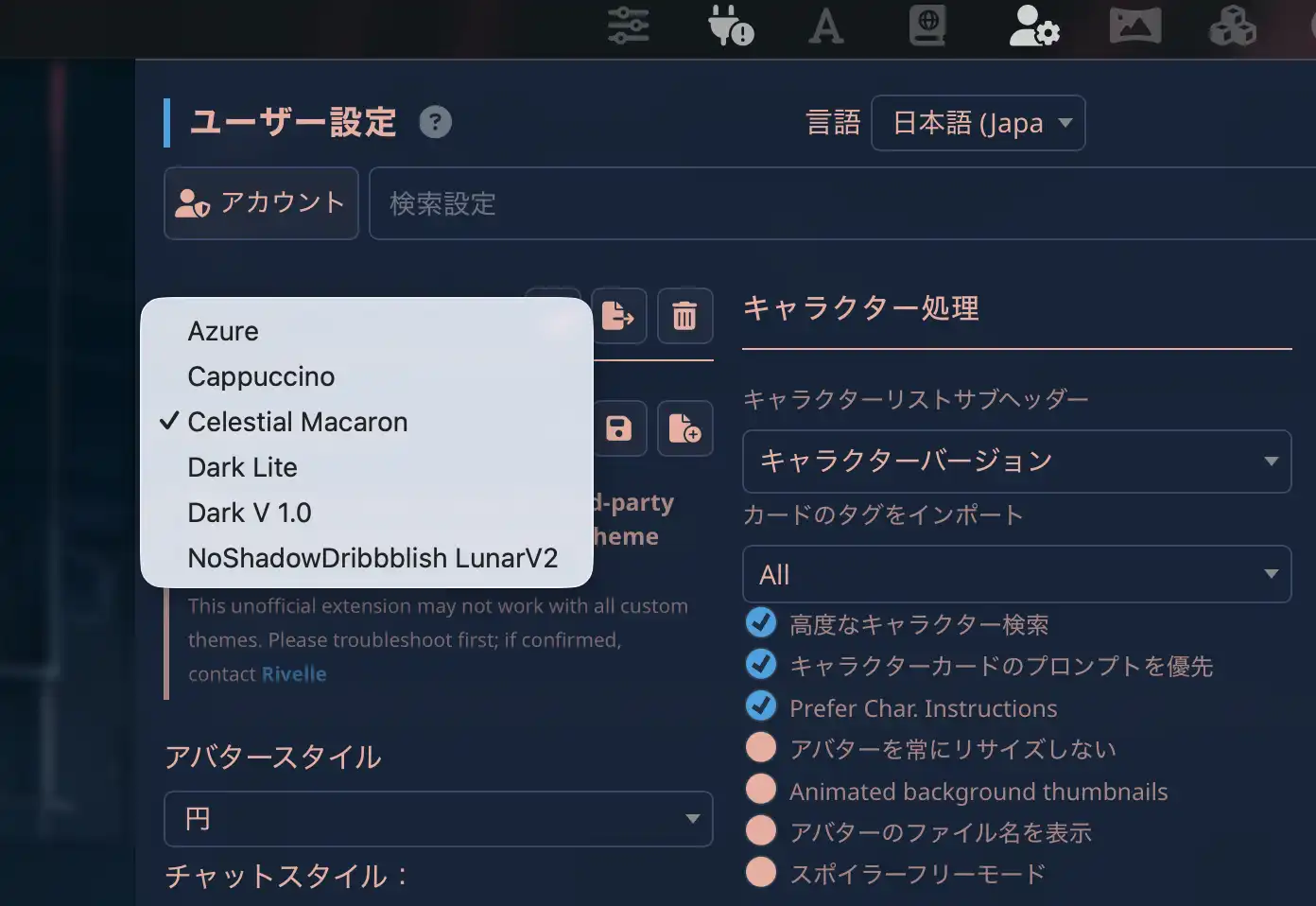
Theme
- Settings
- User Interface
- Theme
Typography
- Font size
- Font family
- Line height
Layout
- Chat width
- Avatar size
- Message spacing
Extensions
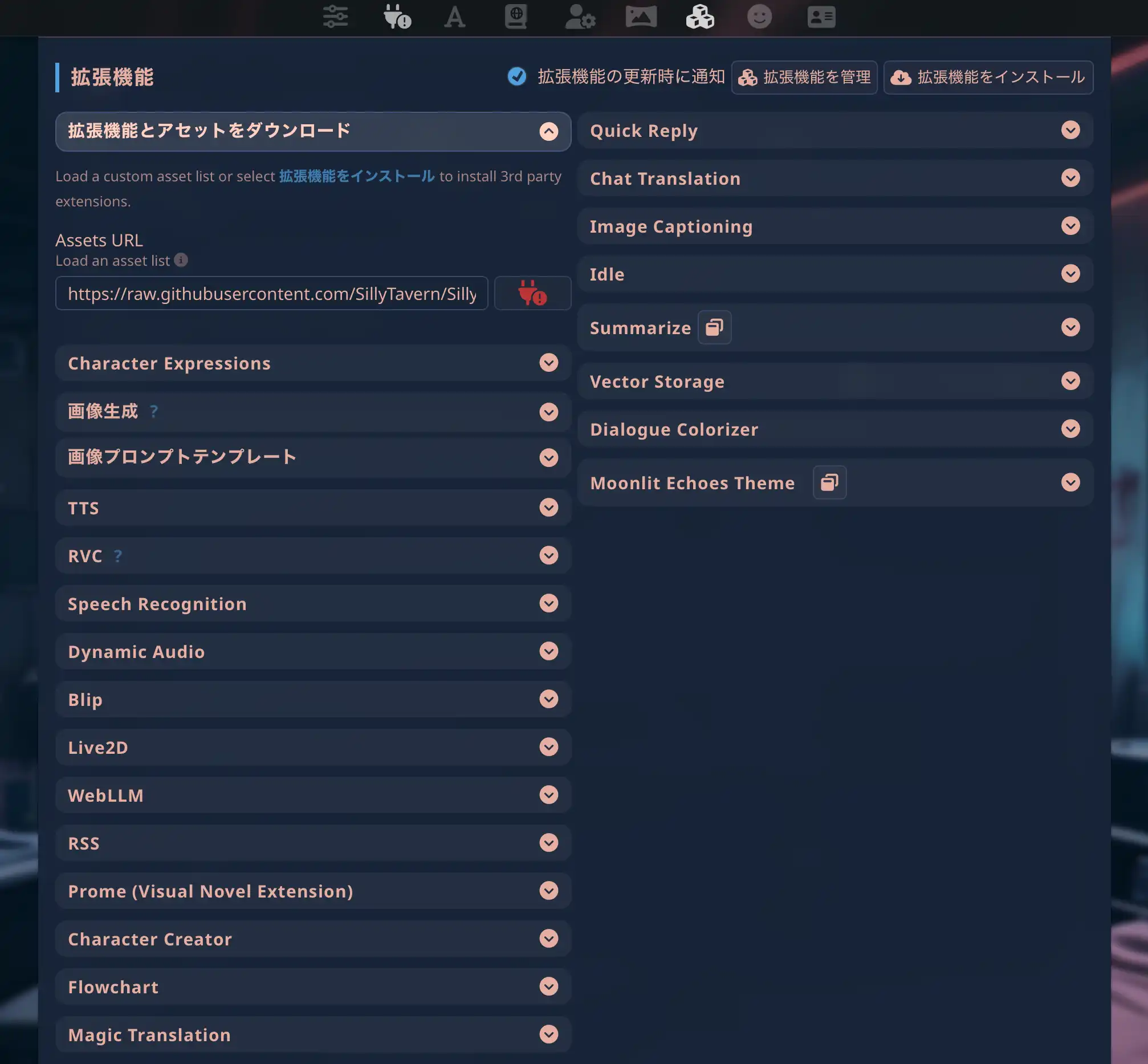
Silly Tavern supports extensions for extra behavior.
Popular ideas
- Regex—text transforms
- Summarize—thread compression
- Character expressions—visual/emote hooks
- Background—scene images
Install flow
- Extensions panel
- Install Extension
- Provide URL or file per extension docs
Summary
You explored advanced Silly Tavern customization—system prompts, sampling parameters, UI, and extensions. Day 7 covers mobile and MiniTavern for lighter setups.
Reference links
About the author

Published: March 16, 2026
Last updated: March 27, 2026