Day 4: Connecting AI models in Silly Tavern

After Day 3, you connect an AI model—the “brain” that turns your card into chat. Without a backend, the character cannot reply.
This article explains what AI models are, how to connect them, and free or low-cost options with 2026-oriented notes for OpenAI, Claude, Gemini, OpenRouter, and more. On day 4, finish model setup and start talking to your character.
What is an AI model? | The “brain” behind the card
An AI model understands language and generates replies. Silly Tavern sends your card and chat to the model, which responds in character.
Analogy
Card = script; model = actor. You need both for a performance.
Two families
1. Cloud (online)
Cloud models run on provider servers—like borrowing books from a central library. Strong and convenient; usually needs internet; often paid or rate-limited.
Examples: OpenAI (ChatGPT), Anthropic (Claude), Google (Gemini), OpenRouter, Groq.
2. Local (offline)
Local models run on your machine—like books on your shelf. No API bill for inference; needs capable hardware.
Examples: Ollama, LM Studio, KoboldAI, Oobabooga.
💡 Tip: Beginners often start with a cloud model for simpler setup and strong quality.
API basics
What is an API?
An API is how Silly Tavern talks to the provider—like a restaurant counter: you order (prompt), kitchen (model) returns food (reply).
What is an API key?
An API key is your credential—without it, the provider rejects requests. Create keys in each vendor’s console.
Chat completion vs text completion
| Mode | Description | Typical use |
|---|---|---|
| Chat completion | Multi-turn chat format | ChatGPT, Claude, Gemini, most modern stacks |
| Text completion | Continues raw text | Some older or local setups |
Most 2026 setups use chat completion.
Comparing major services (2026-oriented)
| Service | Quality | Price | Notes | Beginner pick |
|---|---|---|---|---|
| Google Gemini | High | Free tier | Strong multilingual | ★★★★★ |
| OpenAI ChatGPT | Very high | Paid usage | Top-tier general | ★★★★☆ |
| Anthropic Claude | Very high | Paid usage | Long context, careful tone | ★★★★☆ |
| OpenRouter | Varies | Usage-based | One key, many models | ★★★★☆ |
| Groq | High | Free tier | Very fast inference | ★★★☆☆ |
Why many beginners try Gemini first
- Generous free tier (with limits)
- Strong quality
- Solid multilingual support including Japanese
- Simple key flow
Google Gemini (free tier)
Step 1: API key
- Open Google AI Studio
- Sign in with Google
- Get API key → Create API key
- Copy and store the key privately
💡 Tip: Treat keys like passwords—never commit them to git or paste in public chats.
Step 2: Silly Tavern
- Open Silly Tavern at
http://localhost:8000 - API Connections
- Chat Completion tab
- Provider: Google
- Paste the key
- Pick a model (e.g. current Gemini Pro family name shown in ST)
- Connect
Step 3: Test
- Select a character from Day 3
- Send “Hello”
- A reply means success
OpenAI ChatGPT
Step 1: API key
- OpenAI Platform
- Account → API keys → Create new secret key
- Save the key once—many consoles hide it after creation
Step 2: Billing
OpenAI API is usage-based.
- Billing → add payment method
- Set a usage cap (e.g. ~$5/month) while learning
💡 Tip: Caps prevent surprise bills during experiments.
Step 3: Silly Tavern
- API Connections → OpenAI
- Paste key
- Choose model (e.g. GPT-4 family or GPT-3.5-class per your plan)
- Connect
Anthropic Claude
Step 1: API key
- Anthropic Console
- API keys → Create Key
- Copy the key
Step 2: Silly Tavern
- API Connections → Claude
- Paste key
- Pick a Claude 3.x model offered in your UI
- Connect
OpenRouter | Many models, one key
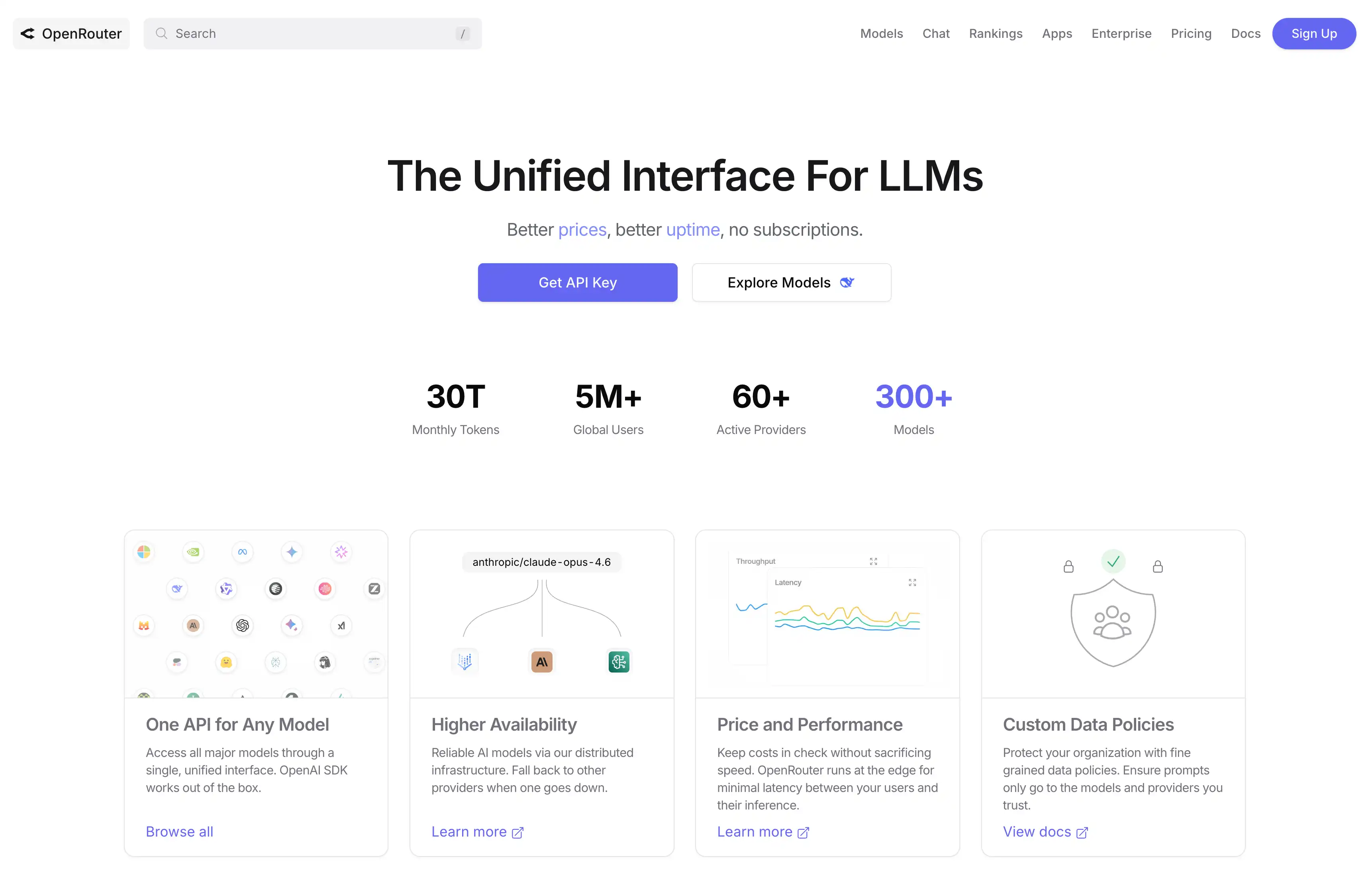
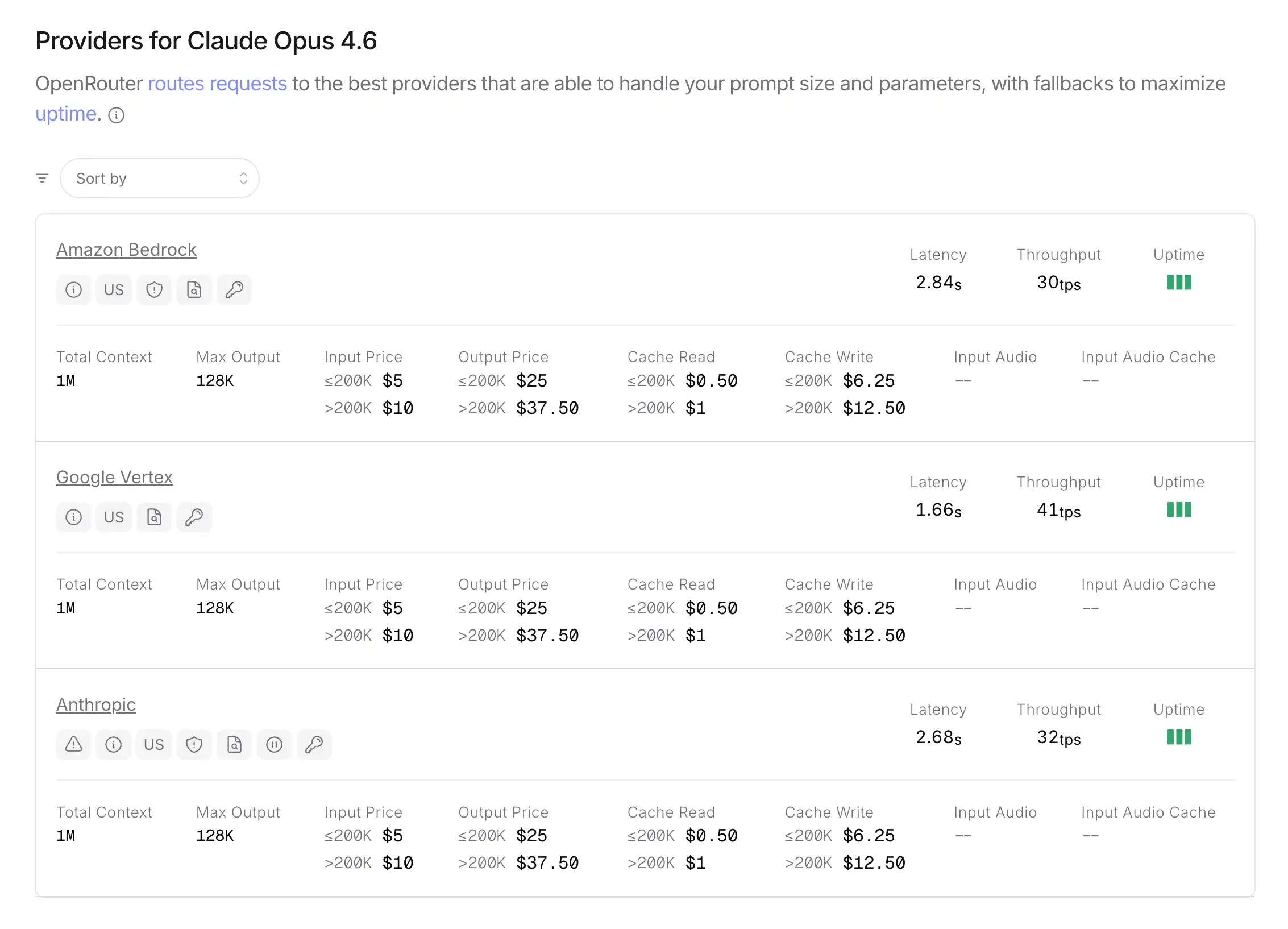
OpenRouter routes many vendor models behind one account—like a mall for LLMs.
Benefits
- One key for many models
- Usage-based billing
- Some free or low-cost models appear over time
Setup
- openrouter.ai → account
- Create API key
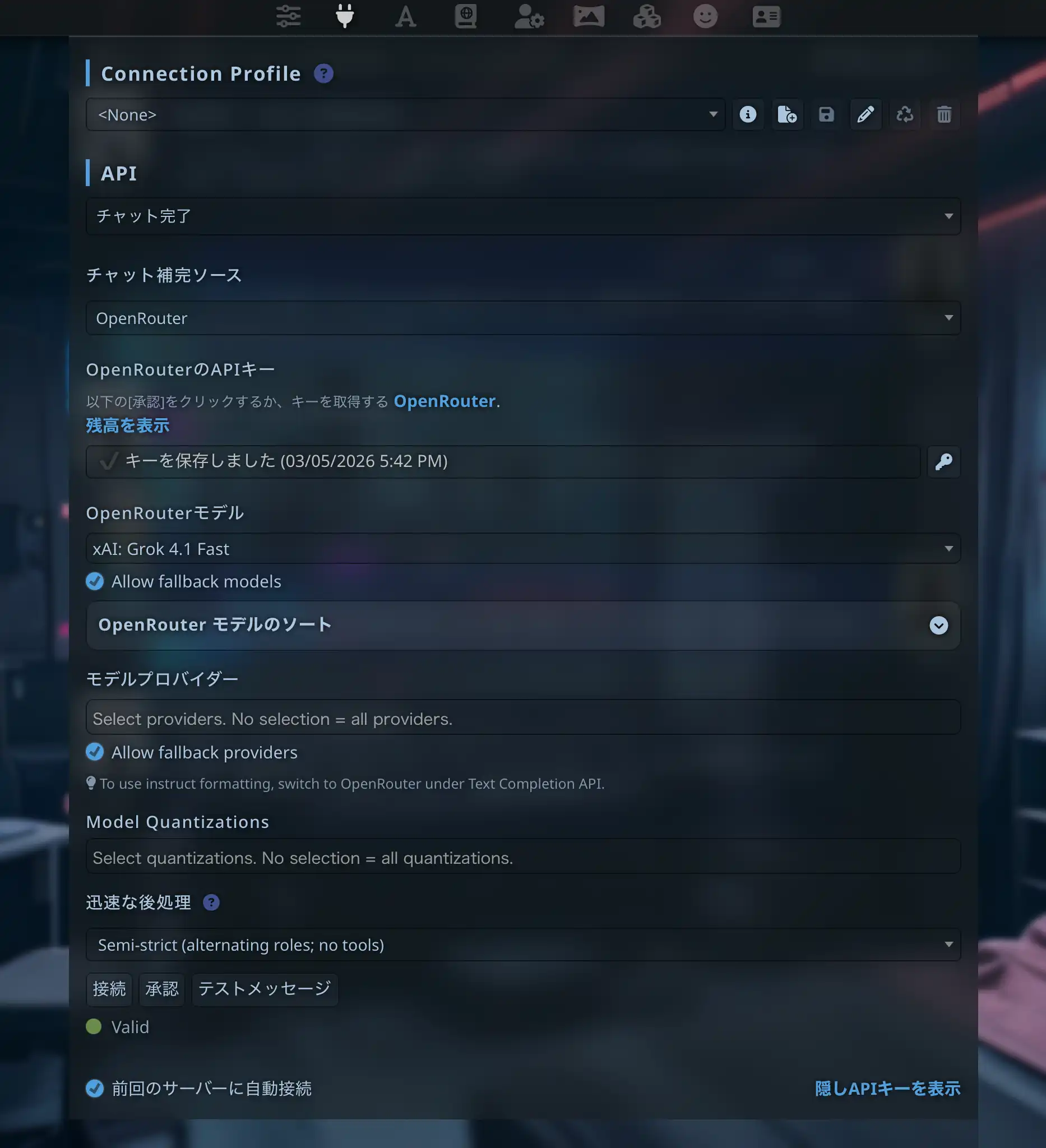
- In Silly Tavern, choose OpenRouter and paste the key
API key hygiene
Do
- Never share keys publicly
- Rotate periodically
- Set budget caps where offered
- Revoke unused keys
Don’t
- Commit keys to GitHub
- Screenshot keys
- Store plaintext in insecure notes
Common errors
“Invalid API key”
Regenerate or re-paste; check for trailing spaces.
“Rate limit exceeded”
Wait, upgrade plan, or switch model/provider.
“Model not found”
Pick a model string your account actually supports.
“Connection timeout”
Check network, VPN, or corporate proxy settings.
Advanced: proxy and legacy
Proxy
Some networks need a proxy. In Advanced API settings, set Proxy URL if required.
Legacy mode
Rarely needed—enables older API shapes for niche backends.
Free or cheap paths
- Gemini free tier
- Groq free tier
- OpenRouter free/low-cost models when listed
- Local models—fully free compute-side (Day 5)
Free tiers have rate and token limits; if you hit them often, consider local models or a small paid budget.
💡 Tip: When quotas bite, Day 5 covers Ollama and local use.
Next steps | Local models
Continue with:
Easier path: MiniTavern can reduce API wiring—see Day 7.
Summary
You learned how to connect AI models in Silly Tavern—Gemini, OpenAI, Claude, OpenRouter—plus security, errors, and free-tier strategy. Next: local models for offline and $0 inference (aside from electricity).
Reference links
- Google AI Studio
- OpenAI Platform
- Anthropic Console
- OpenRouter
- Silly Tavern docs - API connections
- MiniTavern official site
About the author

FAQ
Q1: Can I use it completely free?
Yes, with Gemini or Groq free tiers (limits apply) or local models on your own hardware.
Q2: Which service do you recommend first?
Many beginners start with Gemini for a free tier and solid multilingual quality.
Q3: Where do I get API keys?
Each vendor’s console: Google AI Studio, OpenAI Platform, Anthropic Console, OpenRouter dashboard, etc.
Q4: Typical cost?
Varies. OpenAI is pay-as-you-go (often a few dollars a month for light hobby use). Gemini offers free quotas.
Q5: Can I configure multiple APIs?
Yes—Silly Tavern lets you switch backends per need.
Q6: My key leaked—what now?
Revoke it immediately, issue a new key, and check billing/usage for abuse.
Q7: Offline cloud models?
No—cloud backends need the internet. Use Day 5 for offline.
Q8: Japanese and other languages?
Major cloud models handle Japanese well; Gemini is often cited for multilingual strength.
Q9: Connection still fails
Verify key, model name, billing (if required), and network. Discord communities can help debug.
Q10: Strongest models in 2026?
Top-tier paid APIs (e.g. flagship GPT-4-class and Claude Opus-class) remain among the strongest—check each vendor’s current flagship names.
Published: March 14, 2026
Last updated: March 27, 2026