Day 1: What Is Silly Tavern? 2026 Complete Guide

Silly Tavern is a chat tool that lets you talk freely with AI characters—as if characters from anime or games were alive—and anyone can try it without a high barrier to entry. Silly Tavern offers a unified interface to many LLM APIs (KoboldAI/CPP, Horde, NovelAI, Ooba, Tabby, OpenAI, OpenRouter, Claude, Mistral, and more), a mobile-friendly layout, visual novel mode, image generation via Automatic1111 & ComfyUI APIs, TTS, World Info (lorebook), a customizable UI, auto-translation, rich prompt options, and open-ended growth through third-party extensions.
That said, getting started with Silly Tavern does take some technical comfort—Node.js install and configuration, for example. This article explains the core ideas and requirements in plain language for Silly Tavern beginners, with 2026-updated context.
As day 1 of this seven-day series, fully grasp what Silly Tavern is and take your first step into AI chat.
What is Silly Tavern? Core concepts
Silly Tavern is an open-source frontend for large language models (LLMs). Through it you can have natural conversations with AI-driven characters. The name blends “Silly” and “Tavern”—a playful place for fun conversation. Silly Tavern (often “ST”) is a UI you install locally and use to talk to text LLMs, image engines, and TTS models.
Its standout trait is freedom: you can shape personality and backstory so chats feel like talking to a real person. As of 2026 it works with mainstream models such as OpenAI’s ChatGPT and Google’s Gemini and keeps evolving. It also supports unrestricted conversation including NSFW, for flexible role-play.
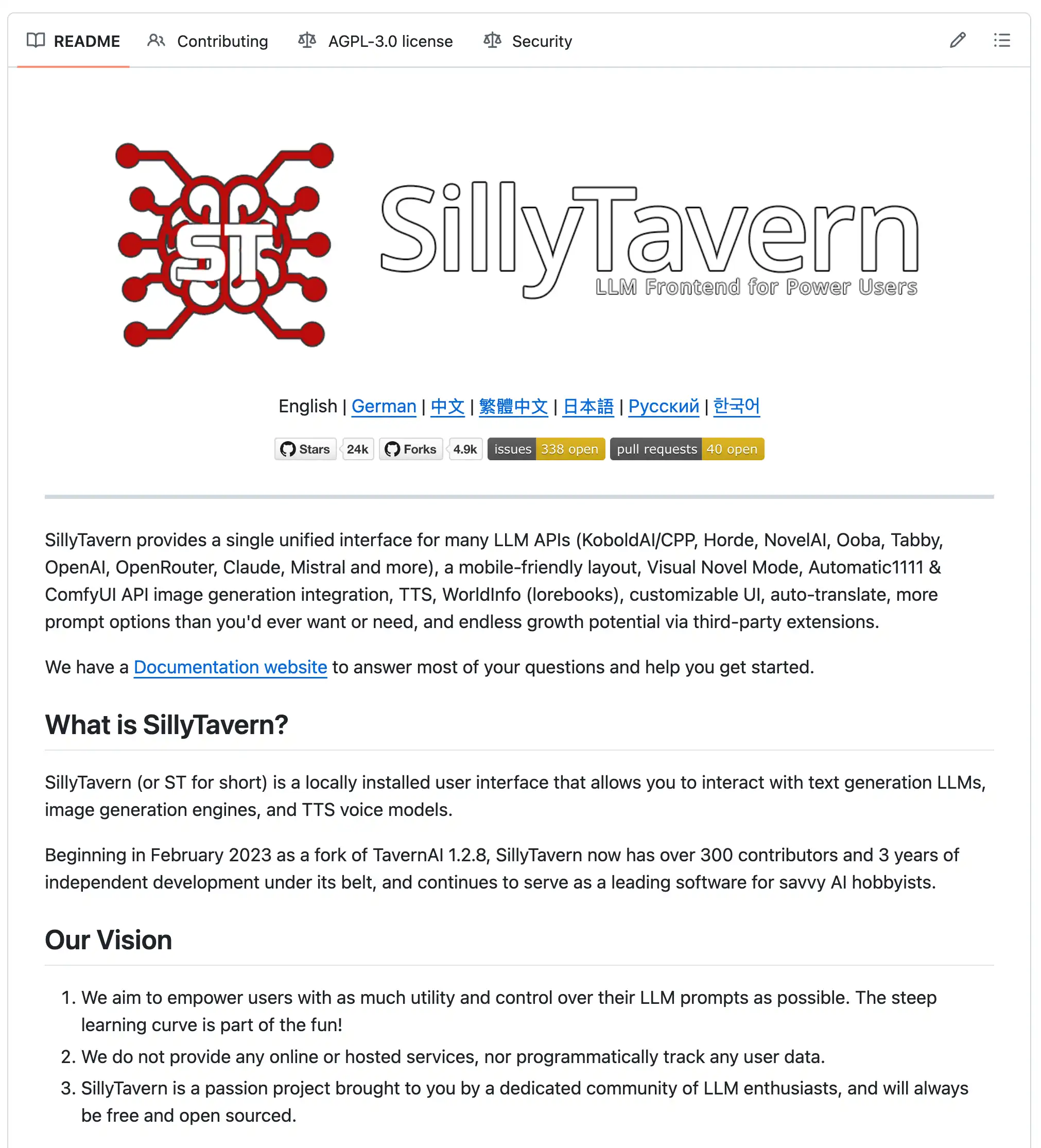
Silly Tavern is published on GitHub; anyone can download and use it for free. Visit the official GitHub page if you are curious. Next, a brief look at its history and context.
History and background
Silly Tavern grew quickly inside the AI chat community. It started as a fork of TavernAI 1.2.8 in February 2023, rooted in fan culture around chatting with anime and game characters. About three years of independent development followed; today 300+ contributors have shaped it. For AI hobbyists it is a leading piece of software in its niche.
The split from TavernAI aimed at more features and a better UX. Beyond basic chat, Silly Tavern expanded API support, UI customization, and extensions, driven by the community. In 2026 it is a go-to tool for AI role-play and story work. On Discord and Reddit, users share character cards and settings tips—showing Silly Tavern is as much a culture as a tool.
What you can do in Silly Tavern | Main features
Silly Tavern is a multi-feature AI chat tool. Below are major capabilities as of the 2026 line.
1. Chat with AI characters
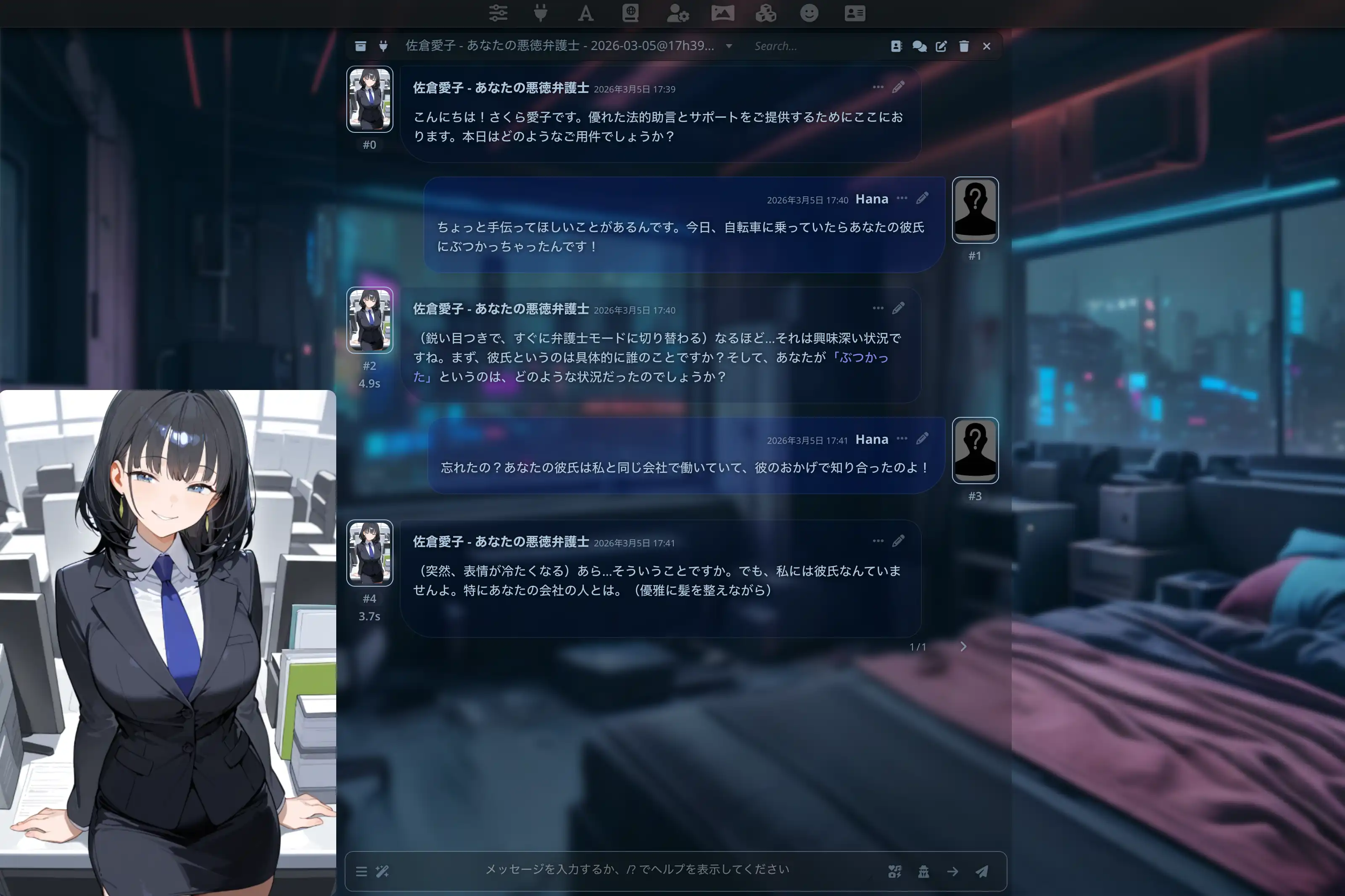
The heart of Silly Tavern is natural dialogue with AI characters. You define them with character cards—protagonists from anime, historical figures, or your own creations.
- Character cards: Name, personality, background, speech style, and more
- Many scenarios: From daily life to adventure stories
- Unrestricted dialogue: NSFW-friendly, flexible role-play
2. Many AI models
Silly Tavern connects to diverse models. Major options in 2026 include:
- Cloud: OpenAI (ChatGPT), Anthropic (Claude), Google (Gemini), OpenRouter, Mistral, and others
- Local: KoboldAI/CPP, Ooba, Tabby, Ollama, LM Studio for offline use
3. Deep customization
You can tune the experience heavily. Recent areas include:
- Prompt engineering: Fine control over replies
- TTS: Give characters voices
- Image pipelines: Automatic1111 and ComfyUI integration
- Custom themes: Restyle the UI
- Auto-translation: Smoother multilingual chat
- Third-party extensions: Open-ended plugins
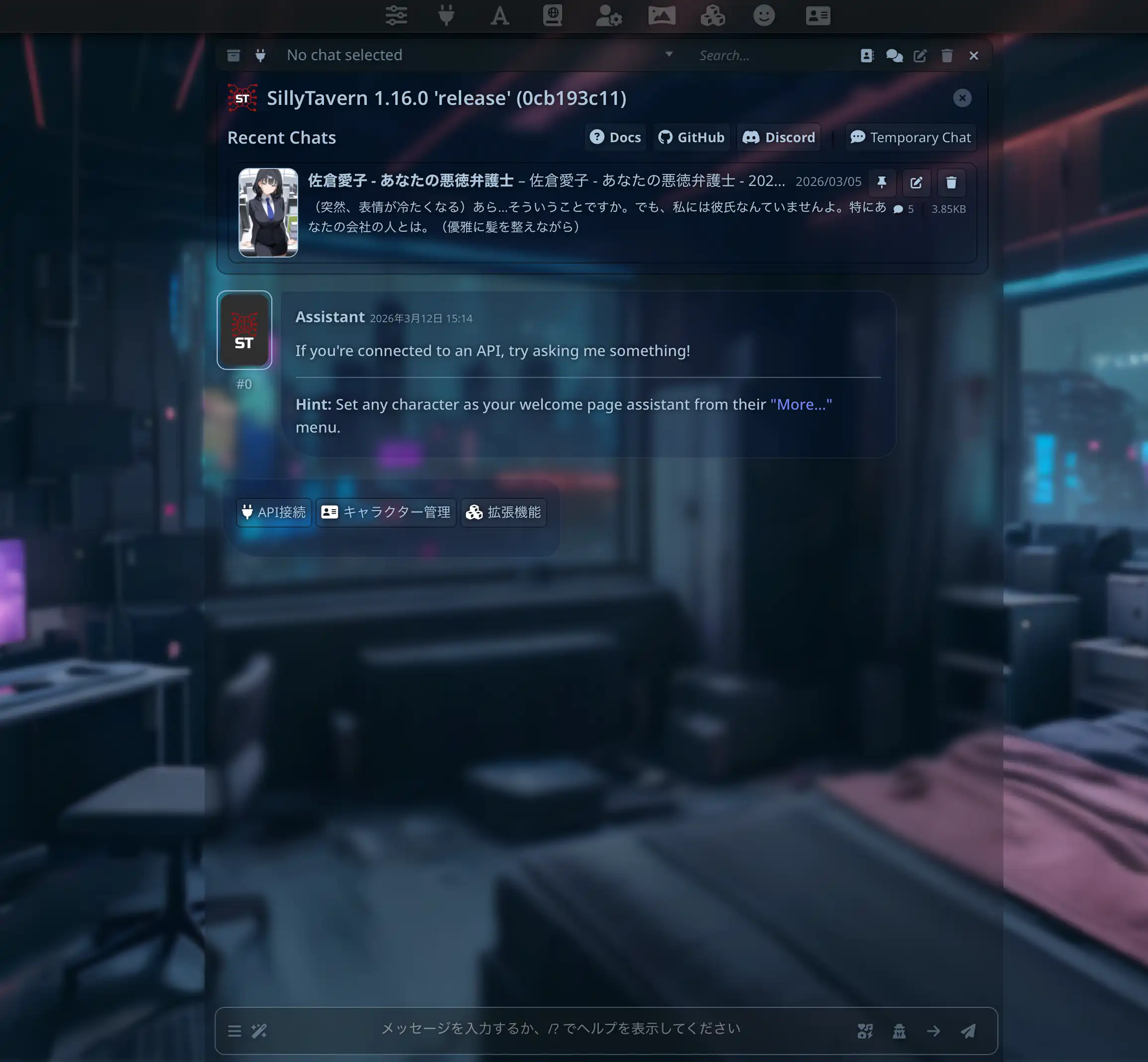
4. Visual novel mode
Background art and expression changes support a more immersive story flow—popular for narrative play and game-like chats.
5. World Info (lorebook)
Record world and character facts so the model stays consistent—e.g. fantasy history or relationships—and the AI can use that context in replies.
Together, these let you shape Silly Tavern to your taste. Character cards are covered in Day 3, model setup in Day 4, and advanced tuning in Day 6.
System requirements (macOS)
You need a capable Mac. Summary for macOS users:
Hardware
- CPU: Intel or Apple Silicon (M1/M2/M3)—most CPUs work
- RAM: At least 4 GB for cloud models; 8 GB+ recommended; 16 GB+ ideal for local models
- Storage: 1 GB+ free
- OS: macOS 10.15 (Catalina) or later
Software
- Node.js: Latest LTS recommended
- Browser: Safari, Chrome, or Firefox (current)
Technical comfort
Setup expects a bit of technical skill, but basic habits are enough for many users. Helpful skills:
- Basic terminal (command line) use
- Editing text files
Understanding LLMs, API keys, and local vs cloud models helps you pick settings. For example, knowing model traits helps you choose what fits you.
💡 Tip: If that sounds heavy, try MiniTavern—no install on your Mac, and a similar AI character chat on iOS/Android. See Day 7.
Silly Tavern vs other AI chat tools
How does Silly Tavern compare? A 2026-oriented comparison:
| Tool | Platform | Customization | Model choice | Character cards | Privacy | Technical difficulty | Price |
|---|---|---|---|---|---|---|---|
| Silly Tavern | PC (Windows/Mac/Linux) | Very high | Many (OpenAI, Claude, Gemini, local, etc.) | Full support | High (local possible) | Medium–high | Free (app) |
| ChatGPT (official) | Web/mobile | Low | OpenAI only | No | Low (cloud) | Low | Free/paid |
| Character.AI | Web/mobile | Medium | Proprietary | Limited | Low (cloud) | Low | Free/paid |
| Janitor AI | Web | Medium | Several | Supported | Low (cloud) | Medium | Free/paid |
| MiniTavern | Mobile (iOS/Android) | Medium | Major cloud models | Full support | Medium | Low | Mostly free |
Notes
- ChatGPT: Easy, but limited character depth and customization.
- Character.AI: Character-focused; fixed models and weaker privacy.
- Janitor AI: Silly Tavern–like but cloud-first and still somewhat technical.
- MiniTavern: Mobile-friendly Silly Tavern–style app with a low technical bar. See Day 7.
Silly Tavern shines on customization and privacy (especially with local models) for users comfortable with tech.
Pros and cons | Honest take
Pros
- Deep customization: Fine-grained character and dialogue control
- Many models: OpenAI, Claude, Gemini, local stacks, and more
- Open source (free app): Free to use; active community improvements
- Rich character card ecosystem: Share cards globally; high freedom, including NSFW and niche themes for unrestricted role-play
- Privacy: Local models keep data on your machine
- Active community: Discord and Reddit for help and ideas
- Beyond typical chat limits: NSFW and creative freedom many hosted chats restrict
Cons
- Setup can be involved: Node.js and config take effort
- PC-first: Not really a native mobile app; on-the-go use is harder
- Learning curve: Settings and customization take time
- Self-service troubleshooting: Errors are often yours to debug
- No official 1:1 support: Community-driven help
💡 Want it easier?: If install complexity and PC-only use put you off, MiniTavern is a strong option—minimal tech, phone-first. Details in Day 7.
Who Silly Tavern is for
Good fit
- You want deep customization of characters and scenarios
- You want to switch between many AI models
- You care about privacy and optional local data
- You are fine with terminal basics
- You mainly use a desktop or laptop
- You want unrestricted conversation including NSFW role-play
Poor fit
- Technical setup feels overwhelming
- You want instant, tap-only onboarding
- You live on your phone for this use case
- You expect official hand-holding support
💡 Phone-first users: If the “poor fit” list sounds like you, try MiniTavern—Silly Tavern’s ideas with a much lower technical bar. See Day 7.
Use cases and community
1. Role-play and storytelling
The most common use: fantasy adventurers, sci-fi leads, or any persona you define, co-writing stories with the model. Communities share genre-specific cards so you can start fast.
2. Writing support
Simulate dialogue for novels or scripts; unexpected model suggestions often spark ideas.
3. Virtual companions
Some use Silly Tavern for daily chat and relaxation. “AI girlfriend/boyfriend” style cards and tropes (e.g. tsundere, yandere) are popular in sharing hubs.
4. Education
Practice languages or explore history by chatting “as” historical figures or in-world guides.
5. Community strength
r/SillyTavern and the official Discord share updates, settings tips, and cards. Beginner guides and troubleshooting threads are easy to find.
Summary | Before you start
You now have a 2026-oriented picture of what Silly Tavern is—concepts, features, and requirements. It is powerful; setup asks for some technical comfort. Decide if it matches you, then continue the series.
Next steps:
- Day 2: macOS installation—Node.js through troubleshooting
- Day 7: Phone and MiniTavern—easier alternatives
Want the easy path?: MiniTavern needs no local Silly Tavern install and works great on a phone.
Reference links
- Silly Tavern official GitHub
- Silly Tavern official docs
- Silly Tavern Discord
- Silly Tavern Reddit
- MiniTavern official site
About the author

FAQ
Q1: Is Silly Tavern completely free?
Yes—the Silly Tavern app is free open-source software. Using cloud models (OpenAI, Claude, etc.) may incur provider API fees.
Q2: How is Silly Tavern different from ChatGPT?
ChatGPT is a single-provider web service. Silly Tavern is a frontend that can use many models and character cards for immersive, customizable chat.
Q3: Can I use it without programming?
Basic terminal use and text editing are enough for many setups, but the curve is steep for total newcomers. MiniTavern is a lower-tech alternative—see Day 7.
Q4: Can I use Silly Tavern on a phone?
The main Silly Tavern app targets PC. For a similar experience on phones, use MiniTavern (iOS/Android). See Day 7: Using it on your phone.
Q5: How long does install take?
Roughly 30–60 minutes from Node.js install to first launch, depending on your machine. See Day 2: Installation guide.
Q6: Does it work on Windows?
Yes—Windows, macOS, and Linux are supported. This series focuses on macOS, but concepts transfer.
Q7: Are there Japanese character cards?
Yes—many Japanese-friendly cards are on CharacterHub, Chub.ai, and similar sites. See Day 3: Character cards.
Q8: Can I use it offline?
Yes—with local models such as Ollama. See Day 5: Local models.
Q9: Does it support NSFW content?
Yes—Silly Tavern supports unrestricted conversation including NSFW, within your own responsibility and provider terms.
Q10: What is visual novel mode?
It adds backgrounds and expression changes so stories feel more like a visual novel—great for narrative and game-like chats.
Published: March 11, 2026
Last updated: March 27, 2026