Day 3: The world of Silly Tavern character cards

After Day 2, step into character cards—the “blueprint” for an AI character. With that blueprint, the model can stay in character.
This article explains what character cards are, how to make them, and where to download them with 2026 context. On day 3, master character cards and get the most from Silly Tavern.
What is a character card? | Giving the AI a persona
A character card is a file that defines personality, background, speech, and more—like a character resume the model reads to “become” someone.
Without vs with a card
Without a card, the model is a generic assistant. With a card, you get:
- Distinct voice: Catchphrases, formality, tone
- Stable personality: Tsundere, gentle, cool, energetic, etc.
- Backstory: Past events and setting-aware replies
- Role: Adventurer, mage, historical figure, etc.
File formats
1. PNG (image)
Portrait image with embedded metadata—like “resume written on the back of a photo.”
2. JSON (text)
Data only, no bundled image—like “resume only.”
💡 Tip: PNG is common; image + data in one file is easy to manage.
Card structure | What to fill in
Basic fields
| Field | Description | Example |
|---|---|---|
| Name | Character name | “Sakura,” “Ryu” |
| Description | Look and basics | “Long black hair, striking blue eyes” |
| Personality | Traits | “Cheerful, a bit scatterbrained” |
| Scenario | Scene setup | “Adventurers’ guild in another world” |
| First message | Opening line | “Hey! What adventure today?” |
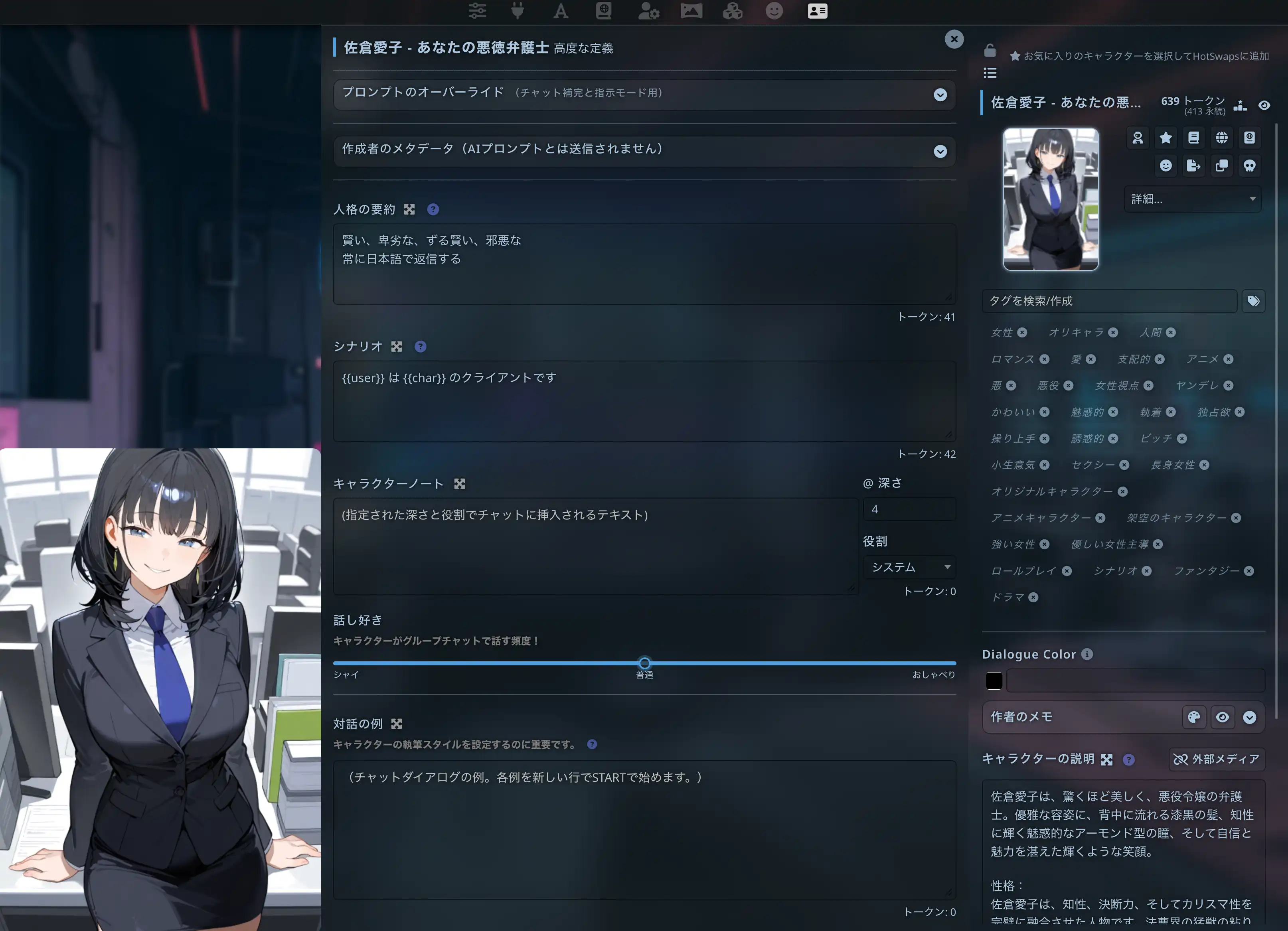
Advanced fields
| Field | Description | Use |
|---|---|---|
| Example dialogue | Sample lines | Teaches speech patterns |
| Lorebook | World terms and facts | Keeps setting consistent |
| Custom prompt | Extra model instructions | Finer control |
Combined, these help the model feel like a coherent character.
Downloading cards | Community hubs
Try shared cards before building your own.
Major sites
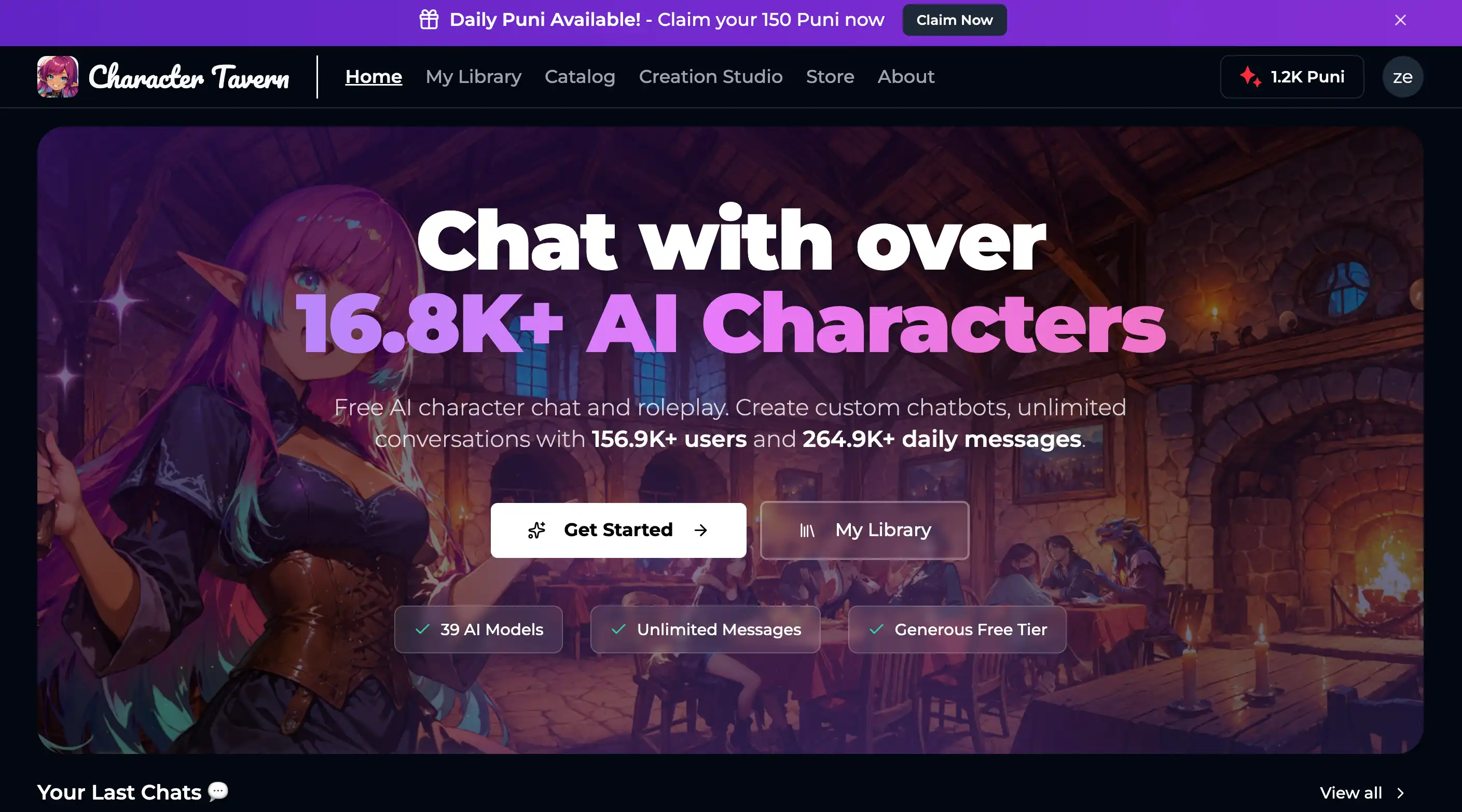
1. Chub.ai
Chub.ai is one of the largest card libraries—tens of thousands of public cards.
- URL: https://chub.ai
- Features: Search and tags
- Languages: Many Japanese and multilingual cards exist
2. CharacterHub
CharacterHub is another large hub with community ratings.
- URL: https://www.characterhub.org
- Features: Community-driven listings
3. Reddit r/SillyTavern
Users share originals and discuss cards.
Download flow
- Open a site (e.g. Chub.ai)
- Search or browse
- Download the PNG (or JSON)
- Import into Silly Tavern (below)
💡 Tip: Start with highly rated or popular cards if you are new.
Importing into Silly Tavern
- Start Silly Tavern →
http://localhost:8000 - Open Characters
- Click Import Character
- Choose the PNG or JSON
- The character appears in your list
Click the character to start a chat.
Creating your own
Method 1: Built-in editor
- Create New Character
- Fill Name, Description, Personality, Scenario, First message
- Optional: upload portrait art
- Save
Method 2: External tools
- SillyTavern Character Editor (browser-based)
- Raw JSON in a text editor for power users
Tips
1. Be specific
Weak: “Nice person.”
Strong: “Can’t ignore someone in trouble. Smiles often and listens carefully.”
2. Avoid contradictions
A “cool” persona should not sound hyper-casual unless that is the joke.
3. Add example dialogue
{{user}}: Hello!
{{char}}: Hey! Beautiful day out~♪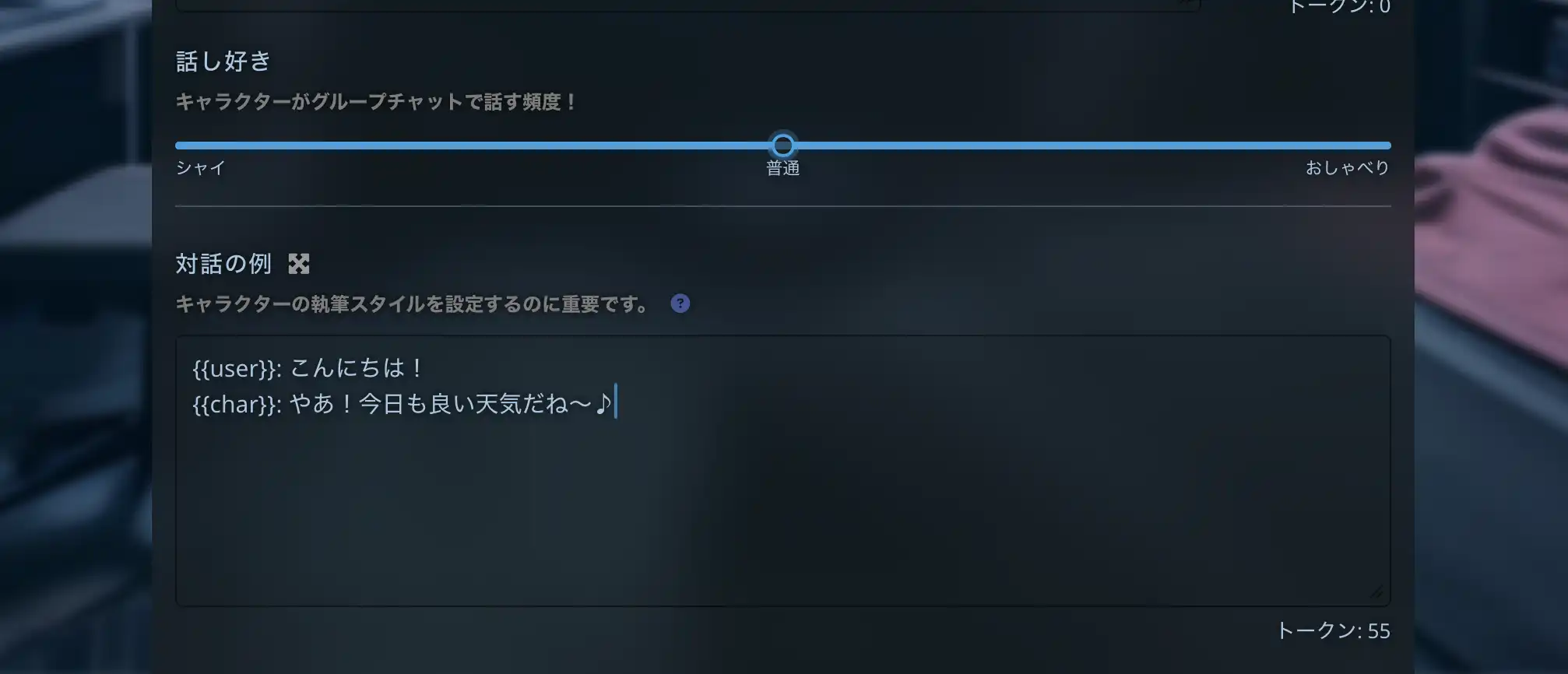
V2 format | Current standard
As of 2026, V2 is mainstream.
V2 vs older
- Lorebook integrated into the card
- Richer fields and metadata
- Better interoperability with other tools
Think of V1 as a resume and V2 as resume + extended background.
Usage
Silly Tavern handles V2 automatically—import and use; no extra toggle for “V2 mode.”
Lorebook | Consistent worlds
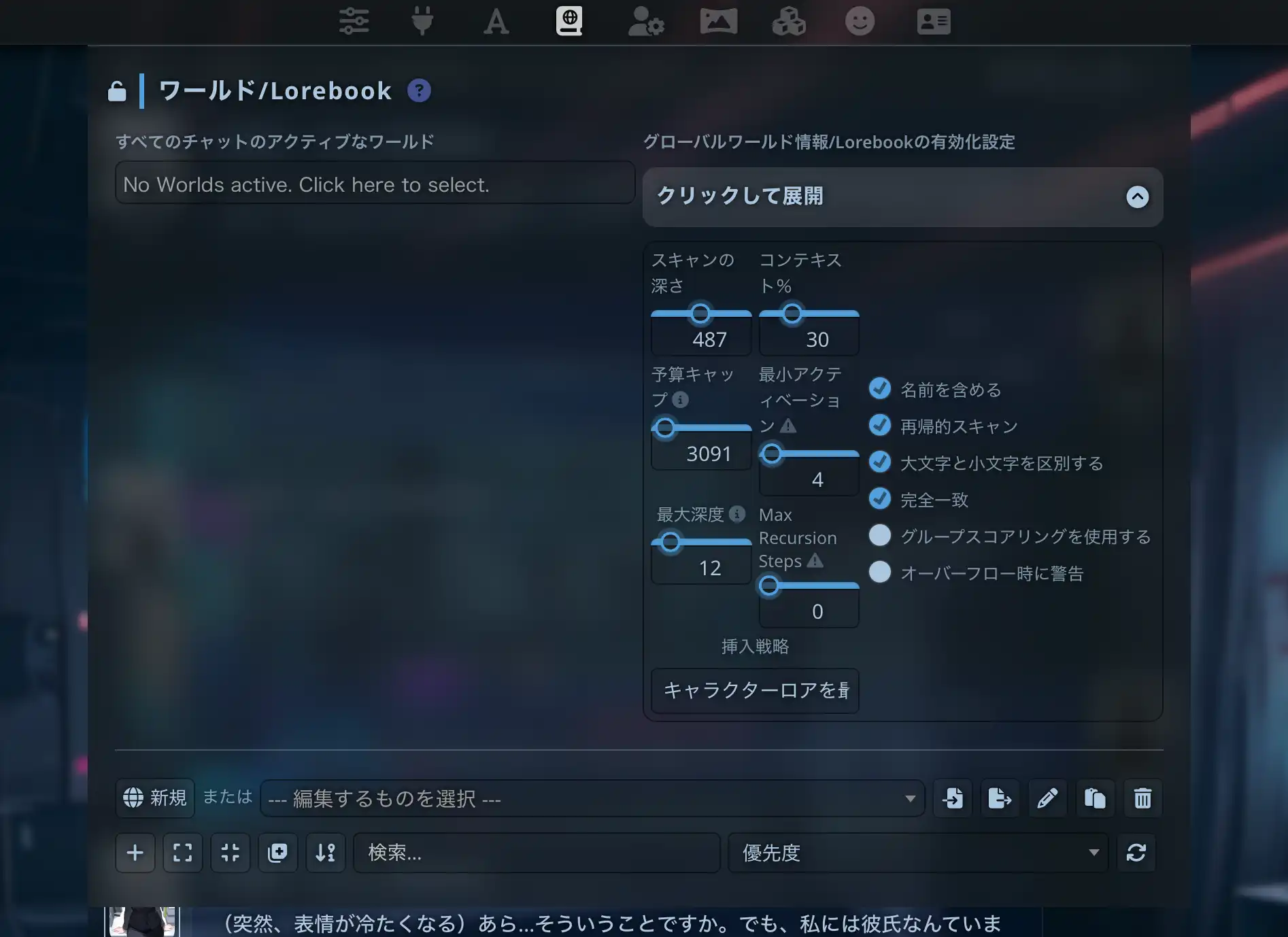
Lorebook stores world facts—like a dictionary the model checks when keywords appear.
Examples:
- Mention “Elfwood” → recall “ancient sacred forest guarded by elves”
- Mention “Ryu” → recall “childhood friend of the protagonist”
Create entries
- Edit the character
- Open the Lorebook tab
- Add entries: keyword + description
- Save
Sharing your cards
- Create an account on Chub.ai (or similar)
- Upload Character
- Add description and tags
- Publish
Respect copyright—do not upload others’ IP or art without permission.
Common issues
Character ignores the card
Cause: Vague card or weak model.
Fix: Sharpen fields; try a stronger model (Day 4).
Import fails
Cause: Wrong format or corrupt file.
Fix: Confirm PNG/JSON; re-download.
Garbled text
Cause: Encoding.
Fix: Save JSON as UTF-8.
Next steps | Connect a model
You know cards; you still need an AI backend.
Continue with:
Easier path: MiniTavern offers presets—see Day 7.
Summary
You learned Silly Tavern character cards—basics, downloads, creation, V2, and Lorebook. Next: connect a model and start real chats.
Reference links
About the author

FAQ
Q1: Are character cards free?
Most shared cards are free on Chub.ai, CharacterHub, and similar sites.
Q2: Is making my own hard?
No—fill the basic fields first, then refine. Start simple.
Q3: Can I use NSFW cards?
Silly Tavern supports NSFW; follow each site’s rules and your local laws.
Q4: V1 vs V2?
V2 adds Lorebook integration and richer data. V2 is the 2026 default.
Q5: Group chats with multiple characters?
Yes—use group chat where available in your Silly Tavern build.
Q6: Is an image required?
No, but art improves immersion.
Q7: Japanese cards?
Yes—filter tags such as “Japanese” on Chub.ai and similar hubs.
Q8: Can I edit downloaded cards?
Yes—import, edit, and save your fork for personal use (respect licenses).
Q9: Is Lorebook mandatory?
No, but it helps long arcs and complex worlds.
Q10: Commercial use?
Depends on each card’s license. Your own original cards are yours to license as you choose.
Published: March 13, 2026
Last updated: March 27, 2026